










Time and Attendance Software for Modern Workforces

Easily track employee work hours and attendance while giving managers a simple way to review and approve time and leave. OrangeHRM’s Time and Attendance software makes it easy for employees to clock time and apply for leave while supervisors get real time visibility and control across teams.

Pay Policies and Overtime
Join Over 5 Million Users Who Trust OrangeHRM as Their Trusted HR Partner

Optimize Workforce Efficiency

Seamless Clock-In / Clock-Out

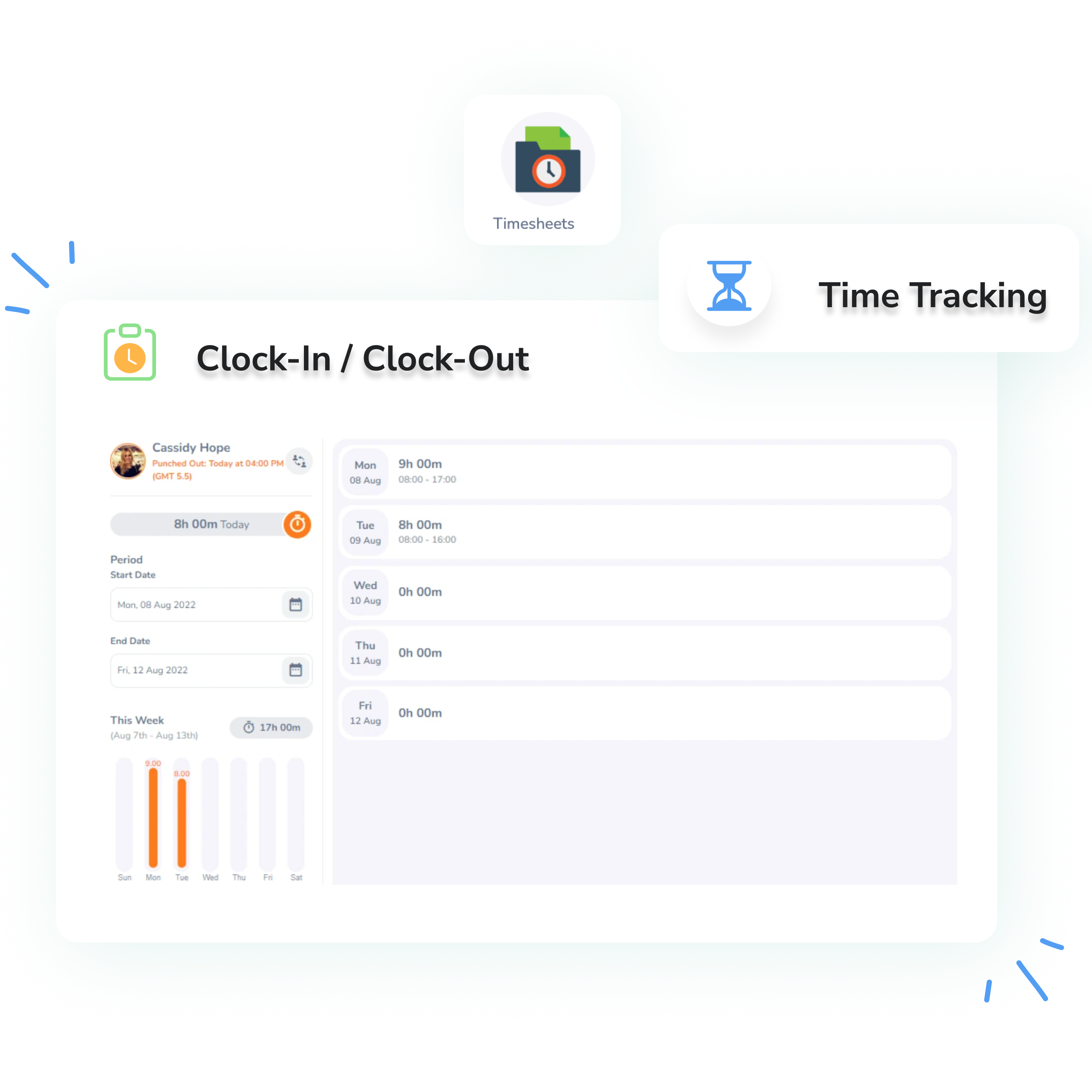
Empower employees to clock in and out effortlessly using multiple options, directly through the software, via the mobile app, or using integrated hardware. Eliminate the need for manual tracking and allow supervisors to review and adjust entries as necessary, ensuring accuracy in timekeeping.

  • Offer unparalleled flexibility for employees. Whether they're at their desk, on the go, or at a specific workstation, employees can use their preferred method to accurately record their working hours.
  • Boost accuracy and reduce discrepancies. Automated clocking minimizes human error in timekeeping, providing reliable data for payroll and attendance management.
  • Provide supervisors with essential oversight. Managers can easily review, verify, and make any necessary adjustments to time entries, ensuring fairness and compliance without extensive manual reconciliation.
Clock Out

Pay Policies and Overtime Management

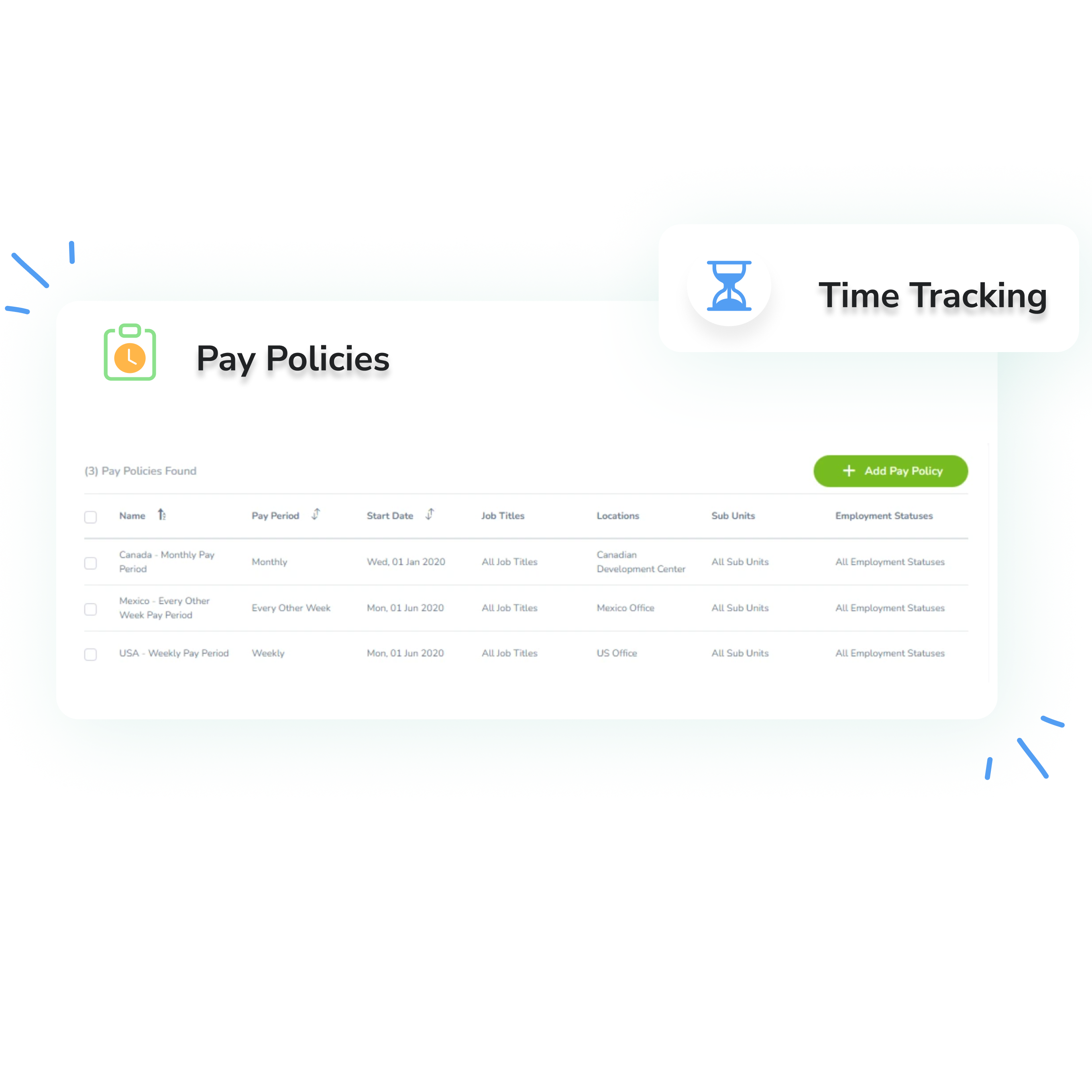
Define and enforce company-specific pay policies with ease. Set daily or weekly overtime limits, apply precise rounding rules to punch times, and update policies as your rules change, while OrangeHRM keeps pay hour calculations accurate across every pay period.

  • Update policies without starting over. Edit a pay policy on a single page, even with employees assigned, then name the new version and choose the pay period it takes effect from, past or future. Affected attendance sheets and exceptions are recalculated automatically.
  • Keep a full record of every change. A version history lets HR view previous versions, correct recent ones or remove a future version, so policy changes stay transparent and easy to manage.
  • Pay accurately when work and leave overlap. When employees work on a day they’re also on leave, both leave hours and worked hours can be paid. They’re shown side by side under separate pay codes for clear, error-free payroll.

Pay Policies and Overtime

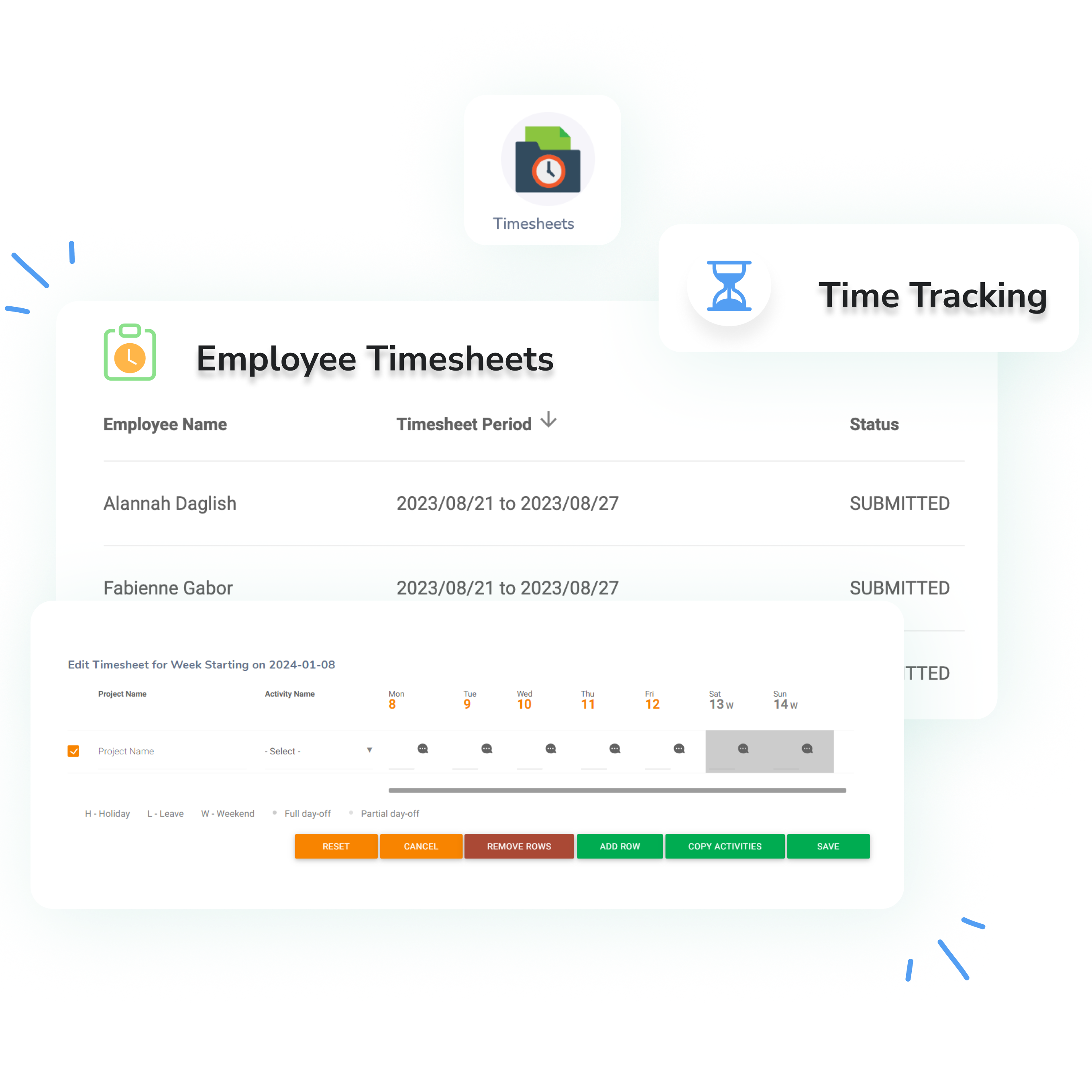
Comprehensive Timesheets

Maintain full visibility over employee hours with detailed timesheets. Ensure accurate tracking of clock-ins, clock-outs, and even time spent on different projects. Reduce payroll errors and enhance efficiency by automating time data collection and approval workflows.

  • Gain granular insight into working hours. Beyond just start and end times, track time spent on specific projects or tasks, providing valuable data for project costing, client billing, and resource allocation.
  • Streamline approval processes. Managers can quickly review and approve timesheets digitally, eliminating paper forms and accelerating the payroll cycle.
  • Boost operational efficiency. Accurate time tracking provides data to optimize staffing, manage workloads, and improve overall productivity across your teams.

Timesheets

Attendance Exception Rules

Not every attendance record needs a review, only the ones that fall outside the expected pattern. OrangeHRM automatically flags attendance that breaks your rules, such as work on non-working days, early clock-ins and late clock-outs, and gives supervisors everything they need to resolve each exception quickly.

  • See the full picture on every exception. Each record shows the employee’s punch pairs, shift and total hours, and hovering reveals the actual punch time wherever rounding was applied.
  • Work through exceptions in order. Filter by pay policy and track records under Pending, Acknowledged and Resolved tabs, so nothing slips through before payroll.
  • Keep exceptions accurate as records change. When records for a past date are updated, the affected days are rechecked automatically, and exceptions that no longer apply move to an Invalid tab.

Attendance Exception Rule

Why OrangeHRM?

Flexible Tracking Options

Employees can log hours via software, mobile, or hardware devices.

Automated Compliance

Enforce pay policies and overtime rules effortlessly.

Real Time Insights
Real-Time Insights

Access detailed reports to monitor employee work hours and trends.

Seamless Payroll Integration

Ensure accurate payroll processing with synchronized time data.

User Friendly Interface
User-Friendly Interface

Simplify time tracking with an intuitive and easy-to-use platform.

Frequently Asked Questions

Everything you need to know about OrangeHRM

OrangeHRM’s Time Tracking feature enables businesses to monitor employee work hours, manage attendance, and track productivity through automated time capture and reporting.

Employees can clock in and out using the web-based system or mobile app, and HR teams can also integrate biometric or RFID devices for more accurate time tracking.

Yes, the system automatically records overtime hours, tracks shift schedules, and ensures compliance with labor regulations.

Yes, employees working remotely or in hybrid settings can log their work hours through the mobile app or web portal, ensuring accurate tracking regardless of location.

Yes, managers can access, review, and approve employee timesheets before processing payroll, ensuring accuracy in work hour records.

Yes, real-time attendance tracking allows HR and managers to monitor employee presence and ensure coverage for shifts.

Yes, HR teams can generate detailed reports to analyze work hours, overtime trends, absenteeism, and productivity insights.

Yes, OrangeHRM’s time tracking system integrates with payroll providers to ensure accurate compensation based on logged hours and overtime.

Yes, employees and managers can access time tracking tools via the OrangeHRM mobile app, making it easy to log work hours and manage attendance on the go.
Team Member Team Member Team Member

Still have questions?

Can’t find the answer you’re looking for? Talk to one of our product experts today!